

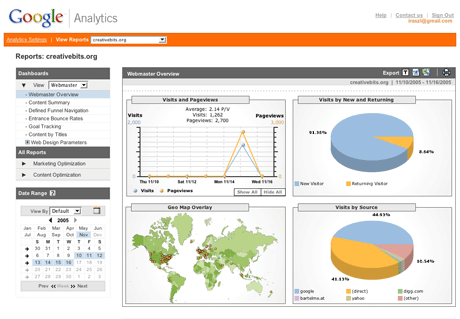
1-Grab Your Google Analytics Code Block
-Login to Google Analytics at http://google.com/analytics/. The main Settings page loads.-Click on Add Website Profile. A form displays.
-Select Add a Profile for a New Domain.
-Enter the URL of your site or blog.
-Select your country and time zone. Click Finish.
-Analytics provides you with a code block - a swatch of HTML - to add to your site's pages.
-Highlight the code block and then copy it by selecting Edit > Copy or Ctrl-C or Command-C.
2-Add the Google Analytics Code Block to Your Blogger Blog
-Login to http://www.blogger.com/. The Dashboard loads.-Under the blog you want to add Analytics tracking to, click on Layout or Template.
-Click on Edit HTML. An editing screen for your blog template's HTML displays. Just scroll to the bottom.
-Look for the end of the template. It'll look like:
</div> </div>
<!-- end outer-wrapper -->
</body>
</html>
Put your cursor right before that </body> tag.
Paste the Google Analytics Code Block by selecting Edit > Paste, Ctrl -V or Command-V. Click Save Changes.
You have now added the Google Analytics Code Block to Your Blogger Blog.


Posting Komentar